
Searching Cases by Name
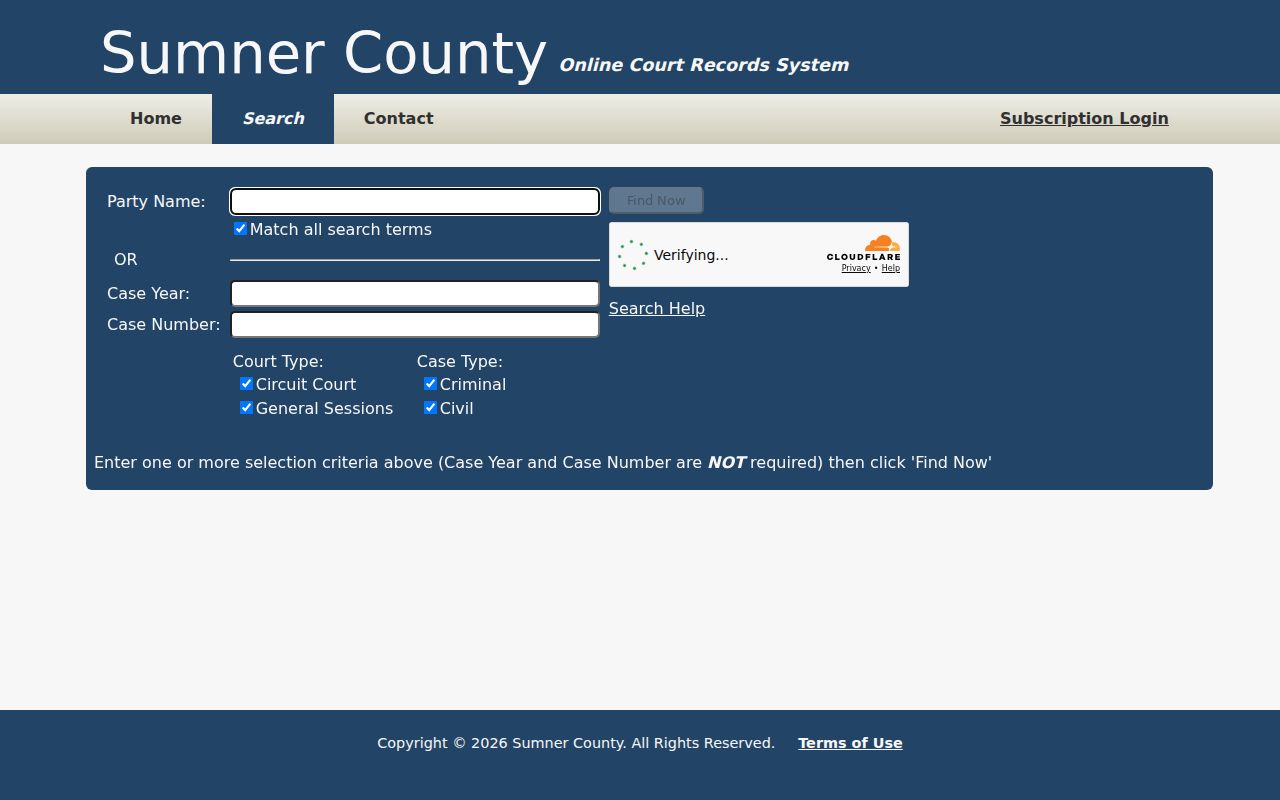
One box handles both on the Sumner County Online Court Records System. These are Party Name and older Case Reference. Enter one or the other, never both. The portal's own help recommends a full first and last name. Keep "Match all search terms" checked too. Terms stack. A name paired with a year or number must all fit one result.
- Confirm the page header identifies the Sumner County system, not Tennessee’s appellate search.
- Enter a full name in the Party Name or Case Reference box. Keep “Match all search terms” checked for a focused search.
- Select at least one Court Type and Case Type combination. Circuit and General Sessions plus Criminal and Civil are checked by default.
- Add a case year only when it is known. Extra criteria can exclude the right result when one detail is wrong.
- Complete the Turnstile check, choose Find Now, sort returned columns, and use the result Filter box to narrow visible rows.
The name engine strips non-spacing marks and accepts quoted phrases. Typos get some forgiveness. One error is allowed in terms of five or more characters, and two in terms of nine or more. Short names get no such slack. Also note that only the first ten query words in the box count.
| Field Label | Type | Required | Notes |
|---|---|---|---|
| Party Name | Text, 100 characters | No, if using year or number | Also accepts an older Case Reference; full names work best. |
| Match all search terms | Checkbox | No | Checked by default; the engine may relax terms from the end. |
| Case Year | Text, four digits | No | Usually the original filing year. |
| Court Type | Checkboxes | Part of required office choice | Circuit Court and General Sessions. |
| Case Type | Checkboxes | Part of required office choice | Criminal and Civil. |
| Filter | Result text box | No | Literal filter of visible results, without typo tolerance. |
Sumner County Case Search Portal
The county search form puts every key field on one screen. Before Find Now lights up, the public side runs a Turnstile challenge. A Subscription Login button sits nearby. But the ordinary public search never needs it. The system publishes no refresh interval. It lists no historical start year, maintenance schedule, export control, or document-image price. So treat claims of real-time or complete coverage with care. The official page lays out the party, year, number, court-type, and case-type controls.
Think of this as a trial-court lookup, not an attorney e-filing login. TnCIS is the local case-management system, and Tybera handles filing functions. The public reads case information through tncrtinfo, court PDFs, or a clerk terminal.
Find Now disabled? Complete the Turnstile checkbox. If the control still fails, use the public terminal or clerk channel instead of assuming there are no results.
Searching by Case Number
A formatted Sumner County number can look like 99GS1-2023-CR-12345. Don't paste the whole thing into the Case Number field. The portal wants only the final numeric portion after the last hyphen, such as 12345. Put the year in Case Year. Let the court and case-type checkboxes point to the office. Public PDFs show local families like 83GS1-2025-CR-NNNN for General Sessions criminal matters. Others look like 83CC1-2025-CV-NNNN for Circuit civil matters. "CR" and "CV" mark case type, nothing more. An older identifier that breaks the current format may still work in the Party Name or Case Reference box. If nothing comes back, try the final numeric part. Confirm the filing year and narrow the office before calling the clerk.
Sumner County Court Office Choice
You must pick a Court Office even with a perfect name or number. It comes from at least one Court Type plus one Case Type. Leave every office unchecked and the search fails. Check all four broad choices. A common name then drowns in a huge result set. Circuit civil fits general-jurisdiction civil matters kept by the Circuit Court Clerk. General Sessions civil covers small claims, collections, detainers, and other lower-dollar work. General Sessions criminal handles misdemeanors, preliminary hearings, and much county traffic. Felony material in the Circuit Clerk's system needs the criminal path. Chancery and Probate records sit with the Clerk and Master. Municipal citations may stay with a city court. Juvenile material has no ordinary public name-search channel. The portal caps results at 2,500 rows. When a broad name hits the cap, add a year or the correct office. Then search again. Sort by a column, then use the literal Filter box. The filter only sees rows already returned. It can't rescue a case the original criteria excluded.
What a Case Search Returns
Each row helps you confirm identity. It also confirms court placement. Before opening a case, compare the formatted reference, filing year, court, case type, and caption. A detail view, where offered, can trace settings and actions over time. Trust only the fields you can see in the result in front of you.
| Case Number | The formatted local reference, with court, year, type, and sequence segments. |
|---|---|
| Style or Parties | The public caption used to distinguish cases with similar names. |
| Court | Circuit or General Sessions coverage in the county search. |
| Case Type | Criminal or civil classification selected through the office controls. |
| Filed Year | The original filing year used as a narrowing field. |
| Events or Settings | Available case activity that should be checked against a current daily PDF or order. |
A search row is not the full court file. A daily PDF is just a date list. A signed order or judgment is its own filed document. When you need exact text or an authenticated outcome, request that document from the responsible clerk instead of treating an index row as a certified copy.
Sumner County Search Result Limits
Three public sources answer three different questions. The tncrtinfo result identifies a case and its available events. A Sumner court PDF shows a date's docket calls. A clerk-issued order or judgment records the court's filed action. None can quietly stand in for the others.
| Source | Best Use | Limit |
|---|---|---|
| tncrtinfo result | Find the local trial case and its reference | Coverage does not include every local custodian |
| Daily court PDF | Confirm a published judge, time, and hearing type | It is a setting list, not the full register |
| Filed order or judgment | Read the court’s actual ruling or disposition | It may require a clerk copy request |
The county records landing page places the public portal and its notice in context:
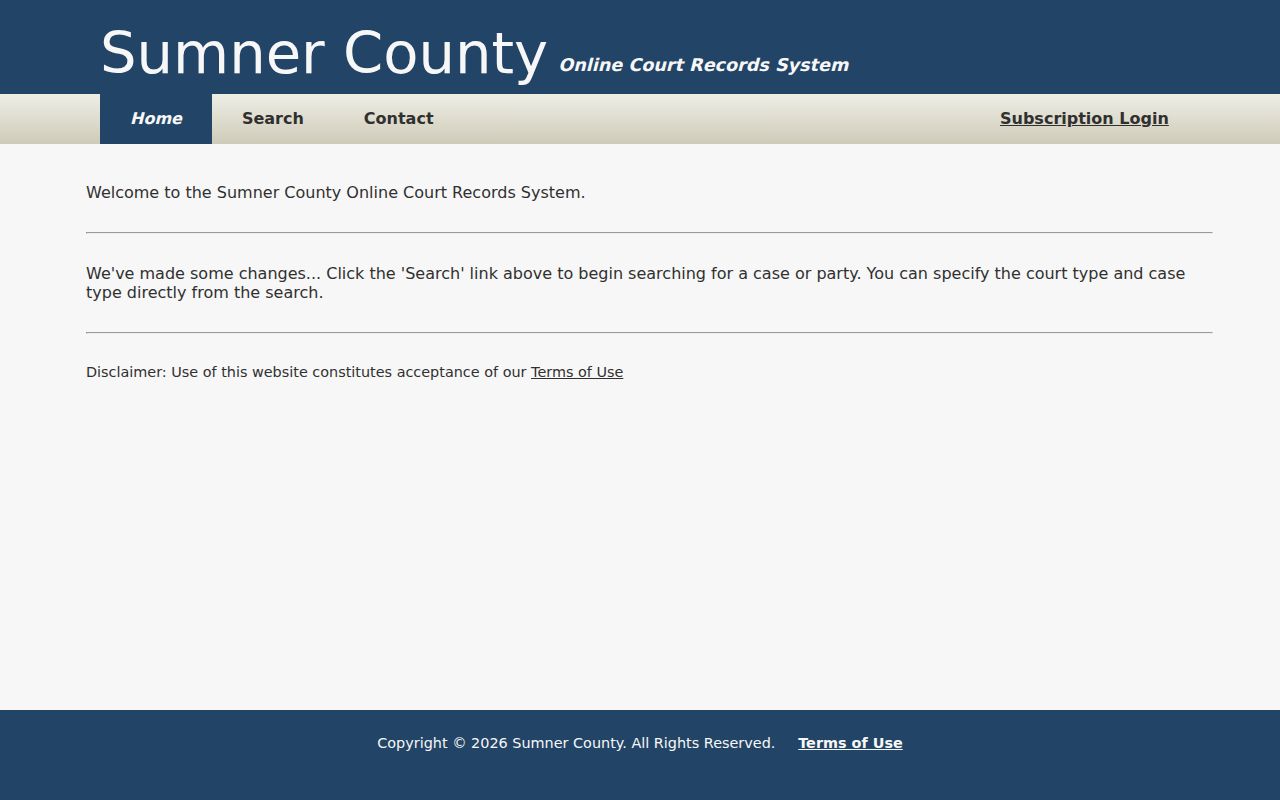
Treat that landing page as a route into the local system. It doesn't prove that Chancery, municipal, Juvenile, historical, or appellate records share one index.
Statewide vs County Case Search
Ordinary lower-court cases in Tennessee have no single statewide search. Appellate matters are different. The Tennessee Public Case History site looks up appeals by number, party, or case style, and once a Sumner County case reaches an appellate court it may list the trial-court number, milestones, record filings, and disposition. Even so, that appellate docket never replaces the original Circuit, Criminal, General Sessions, or Chancery record back in the trial court.
| Tennessee Public Case History | Sumner County Portal |
|---|---|
| Appellate case coverage | Participating local Circuit and General Sessions coverage |
| Useful after an appeal is filed | Useful for the original local trial case |
| May show trial number and appellate milestones | Uses local party, reference, year, number, and office fields |
| Does not supply the full lower-court file | Does not promise every local court or document image |
Keep both numbers handy when you follow an appeal. The trial number and the appellate number each open a different case history, and the Sumner County docket itself stays with the trial court that first took the case.
Sumner County Clerk Fallbacks
A dead end online is not the end of the road. Call the clerk instead. For Circuit, Criminal, or General Sessions matters, dial the Sumner County Circuit Court Clerk at 615-452-4367 and pick the extension for your division; the public portal's clerk contact selector lays out how each office routes a records query.
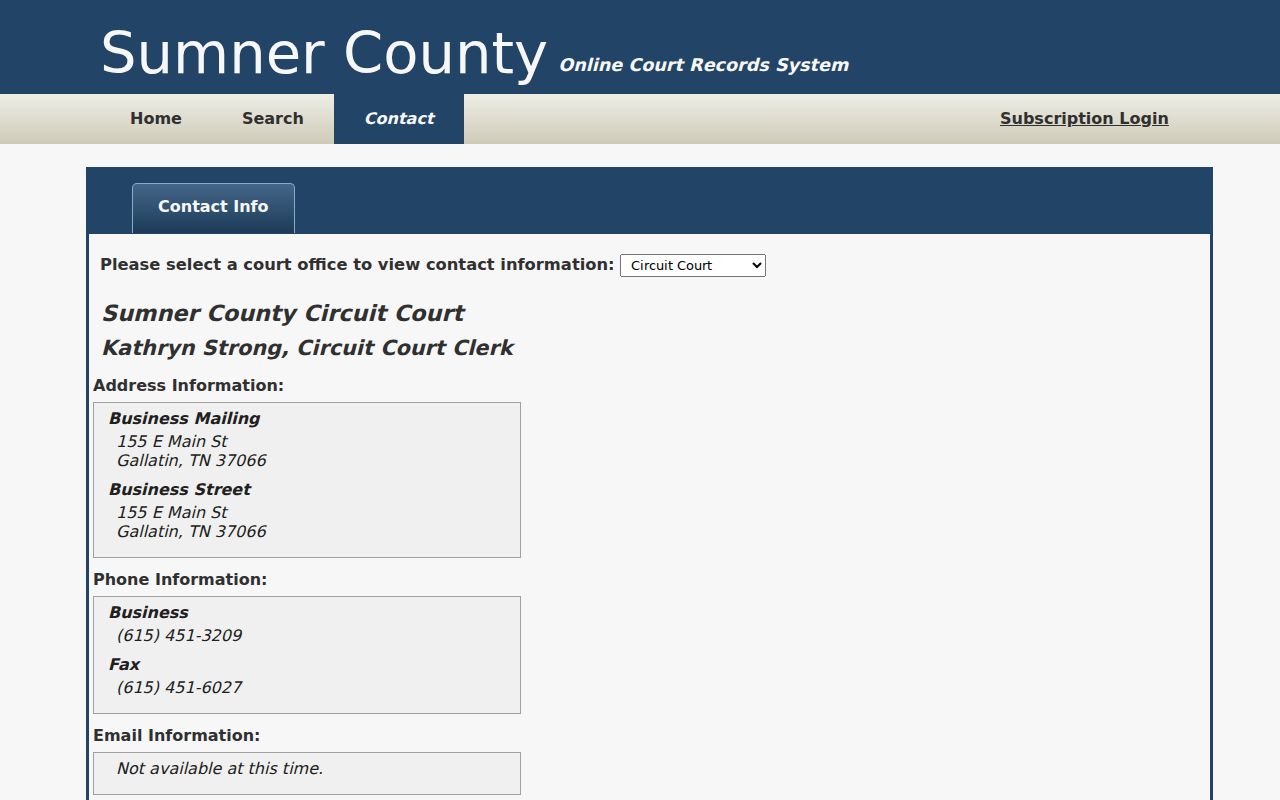
That contact view sends your question to the office that actually keeps the record rather than a generic county desk. You can also inspect public electronic records yourself. The clerk provides a terminal. The counter serves visitors during posted hours. Bring the full caption, the approximate filing date, the court, the case number if you know it, and the name of the document you need. Circuit requests can go by mail to P.O. Box 549, Gallatin, TN 37066, once you confirm the requirements.
Other courts sit with other clerks. Chancery civil and domestic matters belong to the Clerk and Master at 615-452-4282. Probate and delinquent tax cases use 615-451-6036. Municipal tickets go to the city court. Gallatin, Hendersonville, White House, and Millersville each run Tyler-based routes, while Portland posts clerk instructions and no public case-search form. Older files may call for the Sumner County Archives, and every channel counts, from the public terminal and counter to phone, mail, local PDFs, separate clerk sites, city portals, and the appellate portal.
Fix a Sumner County Search
Start by cutting criteria. Keep one Court Type and Case Type pair. With a formatted number, enter only the final numeric segment, and move an old full reference to the Party Name or Case Reference box. Narrow a capped name result by year and office.
Next, test custody. Chancery and Probate sit with the Clerk and Master. A city citation may need the city portal. Juvenile, adoption, protected family, sealed, and expunged material may not appear in a general public result, and an appealed case belongs in Public Case History as well as the original court. For a current hearing, compare the latest PDF through the Sumner County court calendar.
Ask the proper clerk whether a public case exists offline and how to inspect or copy it lawfully. Silence in a web search is silence. It does not signal a dismissal, an acquittal, a payment, or any other outcome.
Access and Restricted Cases
Tennessee Supreme Court Rule 34 guarantees public access to court records while honoring confidentiality created by statute, rule, protective order, or sealing order. Civil records are presumed open. Tennessee Rule of Civil Procedure 1A says so. Still, a judge can seal material after making the required findings. Public access has limits. The portal never has to expose protected identifiers or every attachment.
Sumner County offers no general juvenile name search. Adoption, dependency, protected family, sealed, and expunged records can be absent or limited. Shell, setting, and protected document may each be treated differently. Parties, lawyers, court staff, and holders of a qualifying order may see more than the public.
A denial is not the last word. Ask for the written basis. Then confirm the request reached the clerk where the court record was filed, and ask for the proper review route. The county public-records office is no substitute. Used well, a public search lets you follow a case, confirm a court date, understand the filings, and obtain an official record through the lawful channel.